Reverse Text Generator
Reverse text instantly using our free Reverse Text Generator. Supports emoji, Hindi & Unicode. Word, letter & line reverse with live preview, copy & download.
Our Other Related Tool
Reverse Text Generator – Advanced Backward, Mirror & Flip Text Tool
A Reverse Text Generator is a smart online tool that instantly converts your normal text into backward, reversed, flipped, or rearranged formats. Whether you want to reverse the entire text, reverse word order, flip letters inside words, or reverse text line by line, this tool gives you full control in just a few clicks.
Unlike basic reverse text converter tools, this advanced version is designed for accuracy, speed, and flexibility. It supports emojis, special characters, Hindi and other languages, making it safe for modern content creation and daily use.
What Is a Reverse Text Generator?
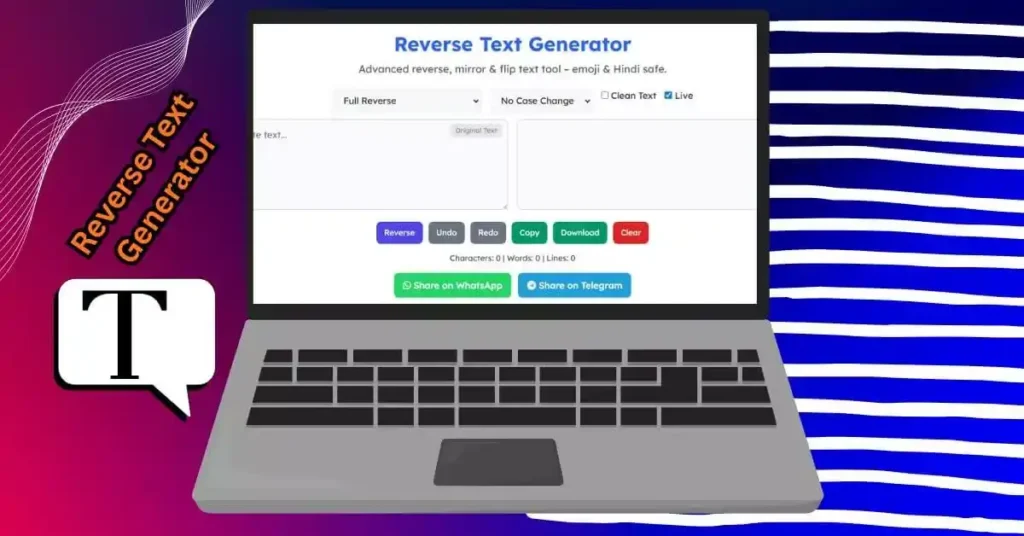
A reverse text generator is an online utility that changes the order of characters, words, or lines in a given text. Instead of rewriting text manually from end to start, the tool automatically generates reversed output without changing the original meaning.
For example:
Input: Hello World
Output: dlroW olleH
This kind of transformation is widely used for creative writing, social media posts, coding experiments, puzzles, and fun text styling.
Why Use an Online Reverse Text Tool?
Manually reversing text can be confusing and time-consuming, especially when dealing with long paragraphs, multiple lines, or mixed-language content. An online reverse text generator solves this instantly.
Key advantages:
- Saves time and effort
- Eliminates manual errors
- Works on long and complex text
- Handles emojis and symbols correctly
- No installation or signup required
This makes it ideal for both casual users and professionals.
Reverse Text Modes Available in This Tool
This tool offers multiple reverse options, giving you more control than standard reverse generators.
1. Full Reverse
This mode reverses the entire text character by character from end to start.
Example:Text Tool → looT txeT
Best for creative text effects and fun messages.
2. Word Order Reverse
This option keeps the words intact but reverses their order.
Example:This is a tool → tool a is This
Useful for language experiments and sentence structure testing.
3. Letter Reverse (Word Safe)
Each word is reversed individually, while the word order remains the same.
Example:Reverse Text → esreveR txeT
This is commonly used in puzzles and stylized writing.
4. Line by Line Reverse
This mode reverses the order of lines without disturbing text inside each line.
Example:
Line 1
Line 2
Line 3
Becomes:
Line 3
Line 2
Line 1
Helpful for formatting notes, logs, or multi-line content.
Smart Case Conversion Options
Along with reversing text, the tool also lets you control text case conversion:
- UPPERCASE – Convert output to capital letters
- lowercase – Convert output to small letters
- Title Case – Capitalize the first letter of each word
- aLtErNaTiNg Case – Alternate between uppercase and lowercase
This combination of reverse + case control makes the output more customizable.
Clean Text Feature
The Clean Text option removes extra spaces and unnecessary line gaps before reversing. This ensures:
- Better readability
- Consistent output
- Clean formatting for sharing or downloading
It is especially useful when text is copied from PDFs, chats, or websites.
Live Reverse Mode
With Live Mode enabled, the output updates automatically as you type.
This means:
- No repeated button clicks
- Instant preview of reversed text
- Faster workflow
You can turn it off anytime if you prefer manual control.
Undo, Redo & Download Support
This tool is built for serious usability, not just basic conversion.
- Undo / Redo – Move back and forth between changes
- Copy Button – Copy output in one click
- Download Text – Save reversed text as a
.txtfile
These features make it perfect for longer editing sessions.
Text Statistics in Real Time
The tool displays live statistics for the output text:
- Character count
- Word count
- Line count
This is helpful for writers, students, and developers who need precise text limits.
Social Media Sharing
You can directly share reversed text on:
- Telegram
This makes it easy to post creative or fun text without copying and pasting again.
Who Can Use This Reverse Text Generator?
This tool is useful for a wide range of users:
- Students – Language practice and text experiments
- Content Creators – Creative captions and unique posts
- Social Media Users – Fun and eye-catching messages
- Developers – String testing and logic checks
- Writers – Creative writing and puzzles
No technical skills are required.
Emoji & Multilingual Safe
Many reverse text tools fail with emojis or non-English characters. This tool is built to safely handle:
- Emojis 😀🔥🎉
- Hindi text
- Mixed-language content
- Special symbols
The output remains accurate and readable.
Is This Reverse Text Generator Free?
Yes. This tool is 100% free to use:
- No registration
- No hidden limits
- No downloads required
You can use it as many times as you want on any device.
Final Thoughts
A powerful Reverse Text Generator is more than just a fun utility. It saves time, improves creativity, and gives you full control over how your text is transformed. With advanced reverse modes, case conversion, clean text options, live preview, and sharing features, this tool goes far beyond basic backward text generators.
If you are looking for a fast, flexible, and modern reverse text tool that works with emojis and multiple languages, this is the right choice. Paste your text, choose your options, and get instant results.